 By admin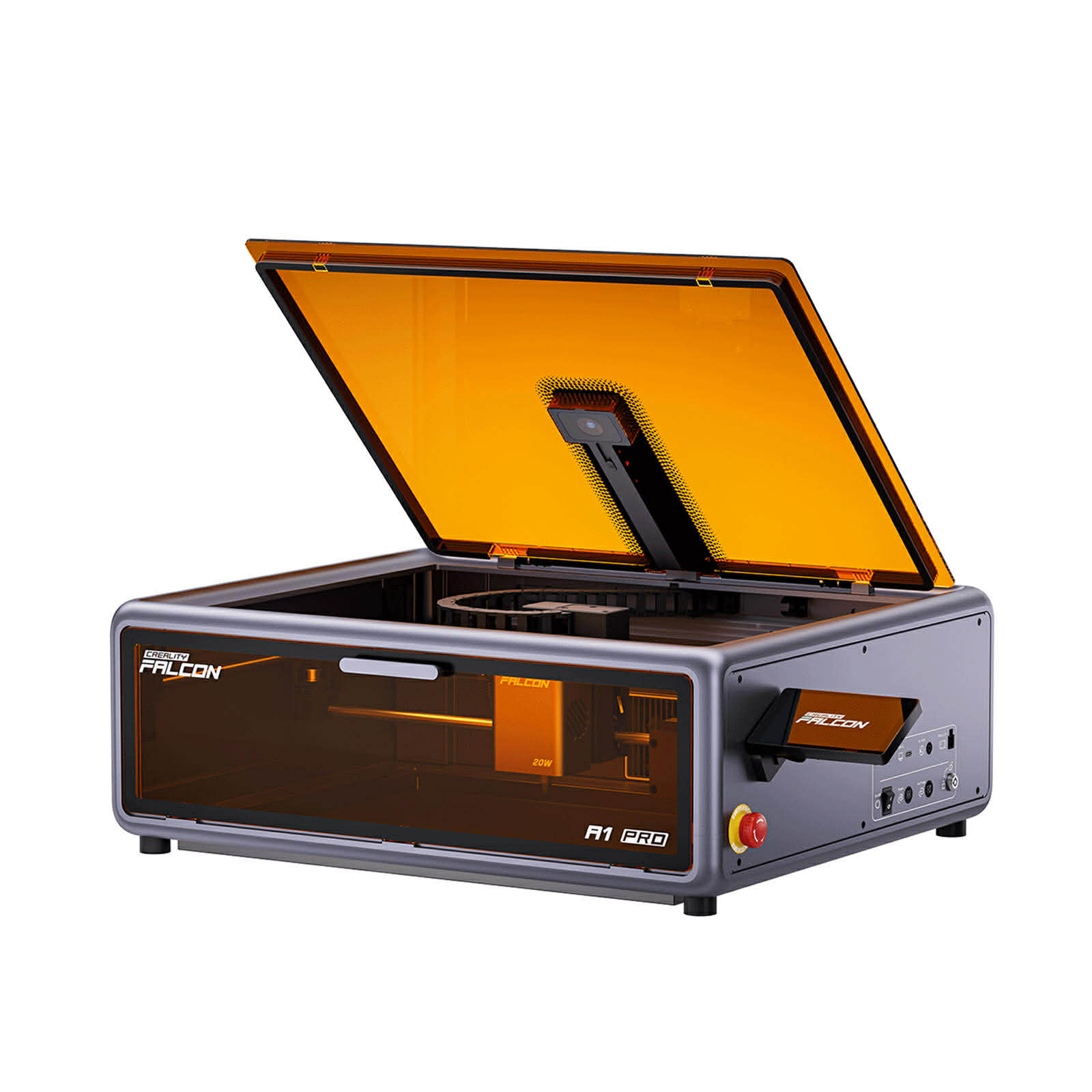
If you’re researching xTool alternatives, chances are you’re comparing options like the xTool M1, D1 Pro, or P2—but wondering if there’s a better match for your workflow, budget, or business.
The laser engraver market is booming, and in 2025, there are more powerful, affordable, and beginner-friendly competitors than ever. Whether you want better cutting power, CO₂ performance, simpler software, or lower cost, you’re in the right place.
This guide breaks down the best alternatives to xTool—fully updated for 2025.
Why Look for an xTool Alternative?
xTool lasers are popular for their design, versatility, and beginner-friendly ecosystem. But users often switch because:
- The price is high compared with competitors
- Accessories and ecosystem costs add up quickly
- Cutting ability of diode lasers (e.g., M1/D1 Pro) is limited
- Software (XCS) is simpler but restricted vs. LightBurn
- xTool P2 CO₂ is powerful but expensive
- Users want more power or better ROI
So let’s explore the top competitors that may fit your needs even better.
Top xTool Alternatives You Need to Know About
Alternative A — Glowforge Aura / Plus / Pro
Glowforge is often the first name people consider when looking beyond xTool. Its machines prioritize ease of use, automation, and a polished experience.
Key Features:
- CO₂ laser (40W–45W depending on model)
- Auto-focus + built-in camera
- Cloud-based, extremely simple software
- Wide material compatibility
- Seamless user experience
Pros:
- Very beginner-friendly
- Beautiful engraving quality
- Huge community
- Ideal for craft sellers and classrooms
Cons:
- Requires internet to run (cloud-based)
- Proprietary materials are pricey
- Less customizable than xTool or Creality
Best For:
- Beginners, craft makers, teachers, hobbyists who want plug-and-play ease.
Alternative B — Creality Falcon Series
This is the strongest direct xTool killer, especially for people who prioritize cutting power, LightBurn compatibility, and affordability.
Creality Falcon lasers (Falcon2 22W / 40W / 60W & A1 Pro) deliver true high optical power at a lower cost than xTool.
Key Features
- 22W / 40W / 60W diode laser options
- Extremely strong cutting ability
- Auto air-assist (Falcon2) or built-in (A1 Pro)
- Auto focus on A1 Pro
- Optional IR module for metal marking
- Full LightBurn support
- No forced ecosystem, no proprietary materials
Pros
- Much more affordable than xTool
- Stronger real cutting power per dollar
- LightBurn support → unlimited workflow
- Very stable build quality
- Excellent for wood, leather, acrylic
Cons
- More DIY compared to Glowforge/xTool P2
- Diode lasers can’t cut transparent acrylic (industry limitation)
- Camera/enclosure optional, not default
Best For
- Small businesses, makers, Etsy shop owners, laser hobbyists who want maximum cutting power at a reasonable price.
Alternative C — OMTech CO₂ Lasers
If you’re considering the xTool P2 but want more power or lower cost, OMTech is your best choice.
Key Features
- 40W → 150W CO₂ laser options
- Full LightBurn support
- Industrial-grade cutting performance
- Larger bed sizes
- Water cooling, exhaust systems included
Pros
- Much faster and cleaner cuts than diode
- Cuts thick wood and acrylic with ease
- Excellent value compared with branded CO₂ machines
- Perfect for business scaling
Cons
- Not as plug-and-play
- Requires more space
- Ventilation & water cooling setup needed
Best For
- Professional shops, high-volume production, makers who outgrew diode lasers.
Final Thoughts
Choosing an xTool alternative depends entirely on your needs:
- Want easy plug-and-play → Glowforge
- Want best cutting power for price → Creality Falcon
- Want industrial power → OMTech CO₂
In 2025, you have more options than ever—and many outperform xTool in power, price, or workflow efficiency.